NHTSA Service Bulletin 10226900: 2021 Mazda Cx-30
Official manufacturer communication context for 2021 Mazda Cx-30, with affected products, buyer checks and links into Carchieve recall, problem and VIN research.
Reviewed June 2026 from NHTSA manufacturer communication and service bulletin records. Carchieve is independent and not affiliated with any vehicle manufacturer or government agency.
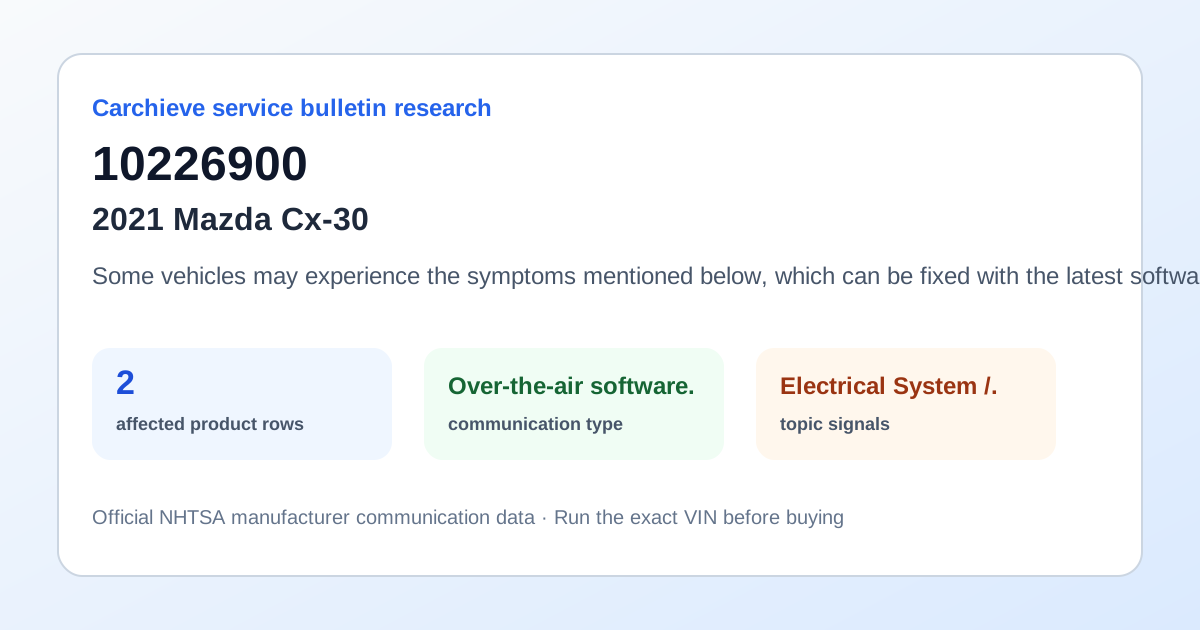
Some vehicles may experience the symptoms mentioned below, which can be fixed with the latest software update (Version 7000C0A-NA04_12004 or later). Ver. 7000C0A-NA04_12004 and later fixes these software errors (bugs): * Album artwork may not appear when playing music using an USB connected iPhone. * When the gear position is shifted into P from R, the screen may not return to the previous condition before shifting into R position. * The screen freezes and goes to a white screen, then the system reboots. * The steering wheel switches and commander switches cannot control the audio system. * DTC U3000:49 is stored which may be accompanied with following symptoms: - No sound emitting from the speakers. - Audio source selection is unavailable. * The vehicle icon rotates when using the navigation with head-up mode. * Beep sounds every after couple of minutes. * Language setting may not be accepted correctly. * The audio track may not pause when pressing the mute button. * The system reboots. * The screen may turn black when trying to play a video file in the USB connected device.
What this bulletin may mean before buying
Treat this as service research, not a verdict on one car. Before you buy, compare this communication with official recall campaigns, model-level owner complaint patterns, and the exact vehicle’s VIN-decoded specifications. A bulletin can help you ask a seller or dealer sharper questions about software updates, known repairs, warranty extensions and service history.
Affected products listed in this communication
Buyer checklist
- Run the 17-character VIN and confirm the year, make, model, engine and equipment match the listing.
- Check recall campaign pages for safety actions that may require dealer repair.
- Compare this bulletin with common problem pages for the same model and component area.
- Ask the seller or dealer whether the bulletin procedure, update or inspection has already been completed.
- Use the used-car buying checklist and get an independent inspection.
Frequently asked questions
What is NHTSA service bulletin 10226900?
Some vehicles may experience the symptoms mentioned below, which can be fixed with the latest software update (Version 7000C0A-NA04_12004 or later). Ver. 7000C0A-NA04_12004 and later fixes these software errors (bugs): * Album artwork may not appear when playing music using an USB connected iPhone. * When the gear position is shifted into P from R, the screen may not return to the previous condition before shifting.
Is a service bulletin the same as a recall?
No. A recall is a safety campaign with a required remedy for affected VINs. A service bulletin or manufacturer communication usually describes diagnostic, repair, software, warranty or service information.
How should a used-car buyer use this bulletin?
Use it as a research signal. Compare it with recalls, owner complaints, service records, a VIN report and an independent inspection before buying.
Check the exact VIN before you buy
Model-level pages show public safety patterns. A full VIN report helps confirm the exact vehicle, decoded specs, recall applicability and buyer checks.
Get Full Report