NHTSA Service Bulletin 11002754: 2023 Jeep Grand Cherokee
Official manufacturer communication context for 2023 Jeep Grand Cherokee, with affected products, buyer checks and links into Carchieve recall, problem and VIN research.
Reviewed June 2026 from NHTSA manufacturer communication and service bulletin records. Carchieve is independent and not affiliated with any vehicle manufacturer or government agency.
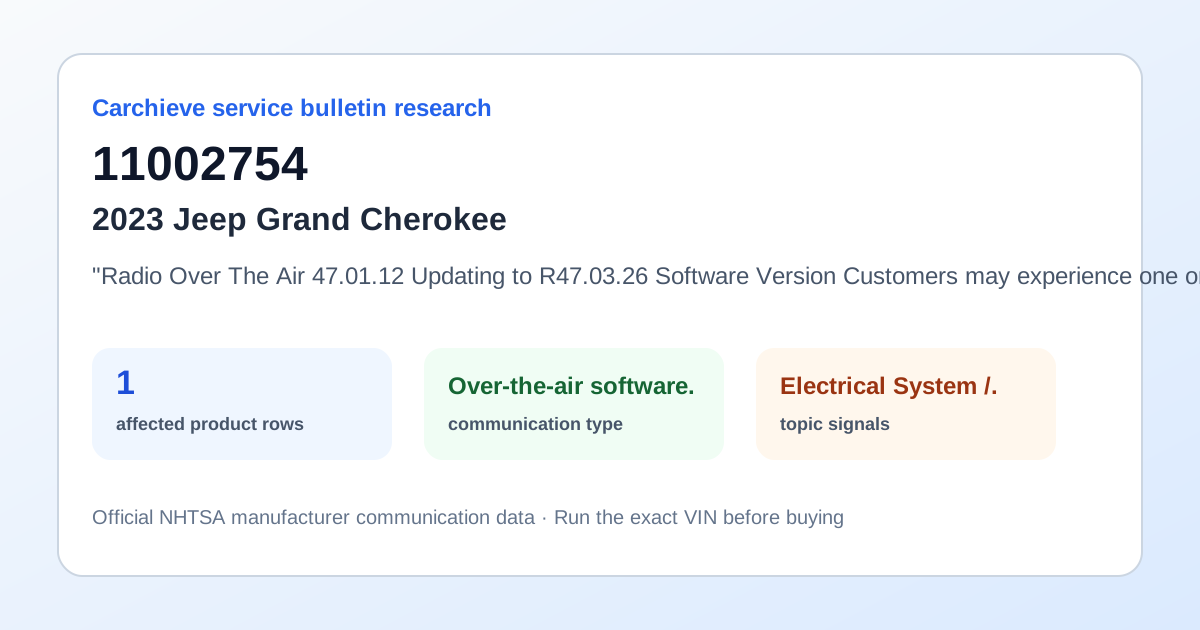
"Radio Over The Air 47.01.12 Updating to R47.03.26 Software Version Customers may experience one or more of the following: **Wi-Fi inoperative. Lockup on splashscreen (Rearview Camera (RVC) functions as normal). Radio remains on after ignition Off. Carplay inoperative.** Head Unit (HU) is displaying only Sirius XM app under Select Shortcut Type in shortcut widgets. Rapidly scrolling through SXM stations while on climate screen causes very long buffering of stations. Apps option is shown in Custom Shortcuts Widget. Sync button Radio display status bar drop down menu does not change according to the button press. While on wireless call, pressing Transfer to Device (from phone screen, phone widget, or steering wheel controls), HU screen begins looping to multiple screens / pop ups. Time not displaying in cluster due to R1L radio not sending ""TIME"" signals cyclically. HU is transmitting 'Call active' in Telematic_FD_18 even after disconnecting the Call. When FOTA install radio display is active, radio shows 50 minutes as default installation time for FOTA instead of the time send by the Security Gateway Module (SGW). Scroll knob doesn't work when present on USB media. In ignition OFF, while FOTA Update radio display pop up is active, user selects outside the pop up window screen pop up disappears and does not come back in the following ignition cycles. R1 low displays FOTA Install pop up message in ignition RUN. USB media switches to SXM when Media icon pressed. Thick text on memory seat pop up, and size of pop up is incorrect. Audio settings page shifted to right alignment when ignition is set to Off and Radio off delay is set to 45 seconds / five minutes / 10 minutes. After FOTA install complete , ""What's new"" button is pressed, R1 low shows a blank pop up screen. HU is not closing the Notifications screen when Notifications icon in status bar is pressed second time. When Radio off Delay is set as 10 minutes, Radio continue to show FOTA installation progress bar till radio screen off even after SGW complete FOTA installation and inform status in FDCA8 as Successful FOTA update. When present on Device manager navigating to Apps failed. HU displays Wireless Pairing screen instead of device manager page when selecting ""Yes"" option from the Android Auto not connected Pop up. Heated and cooled seats and steering wheel heat buttons flash quickly when climate OFF. SXM Channel Tuning using Tune Knob is not working. CarPlay screen exiting after selecting the Function Unavailable Pop Up. HU is transmitting the message FDCAN8::TELEMATIC_FD_18 as ""Phone Name"" only instead of ""Incoming call"" and ""Phone Name"" options when incoming call is received. In CarPlay screen, HU not accepting the second incoming call through steering wheel Answer button. HU retains the Selectable Tire fill alert page instead of Clock settings page when Clock settings is selected from the status bar. This bulletin provides information regarding the latest Firmware Over The Air (FOTA) update and provides the service technician an overview of the steps a customer will need to take to complete the update. The radio software will be updated from 47.01.12 to R47.03.26. NOTE: National launch for this FOTA update is expected to begin August 18, 2023."
What this bulletin may mean before buying
Treat this as service research, not a verdict on one car. Before you buy, compare this communication with official recall campaigns, model-level owner complaint patterns, and the exact vehicle’s VIN-decoded specifications. A bulletin can help you ask a seller or dealer sharper questions about software updates, known repairs, warranty extensions and service history.
Affected products listed in this communication
Buyer checklist
- Run the 17-character VIN and confirm the year, make, model, engine and equipment match the listing.
- Check recall campaign pages for safety actions that may require dealer repair.
- Compare this bulletin with common problem pages for the same model and component area.
- Ask the seller or dealer whether the bulletin procedure, update or inspection has already been completed.
- Use the used-car buying checklist and get an independent inspection.
Frequently asked questions
What is NHTSA service bulletin 11002754?
"Radio Over The Air 47.01.12 Updating to R47.03.26 Software Version Customers may experience one or more of the following: **Wi-Fi inoperative. Lockup on splashscreen (Rearview Camera (RVC) functions as normal). Radio remains on after ignition Off. Carplay inoperative.** Head Unit (HU) is displaying only Sirius XM app under Select Shortcut Type in shortcut widgets. Rapidly scrolling through SXM stations while on.
Is a service bulletin the same as a recall?
No. A recall is a safety campaign with a required remedy for affected VINs. A service bulletin or manufacturer communication usually describes diagnostic, repair, software, warranty or service information.
How should a used-car buyer use this bulletin?
Use it as a research signal. Compare it with recalls, owner complaints, service records, a VIN report and an independent inspection before buying.
Check the exact VIN before you buy
Model-level pages show public safety patterns. A full VIN report helps confirm the exact vehicle, decoded specs, recall applicability and buyer checks.
Get Full Report