NHTSA Service Bulletin 11020699: 2022-2025 Mercedes-benz Amg C43
Official manufacturer communication context for 2022-2025 Mercedes-benz Amg C43, with affected products, buyer checks and links into Carchieve recall, problem and VIN research.
Reviewed June 2026 from NHTSA manufacturer communication and service bulletin records. Carchieve is independent and not affiliated with any vehicle manufacturer or government agency.
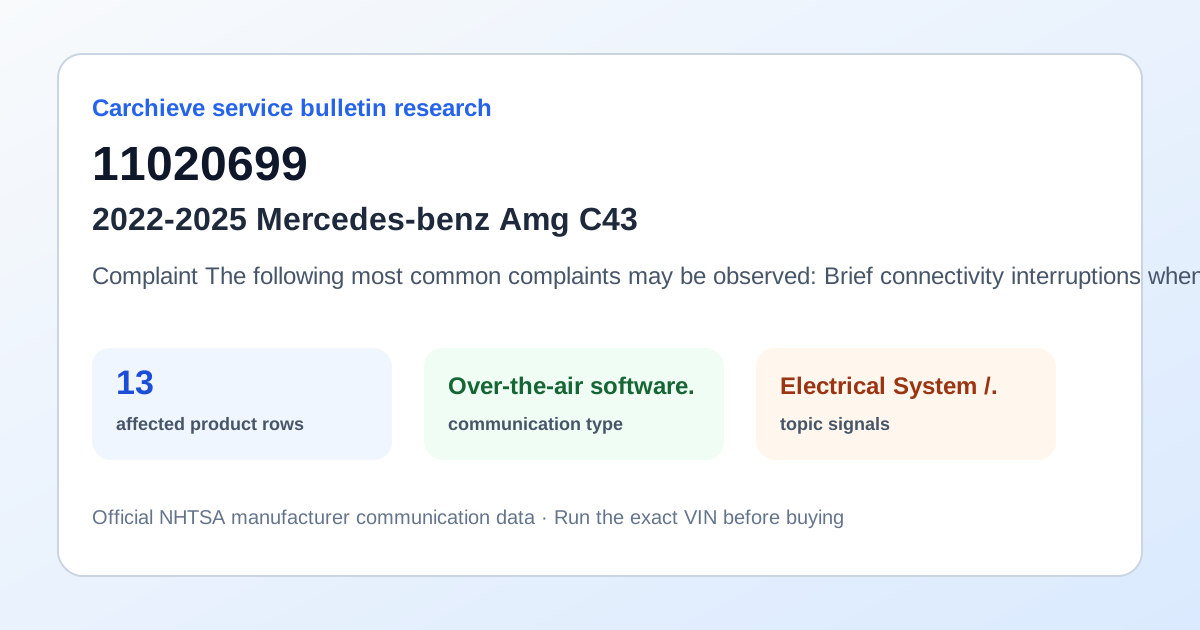
Complaint The following most common complaints may be observed: Brief connectivity interruptions when using Apple CarPlay over Wi-Fi Audio cuts out Device not recognized No operation possible Cause There are multiple possible causes for an iPhone disconnecting from a vehicles head unit while using Apple CarPlay. These include hardware, software, and environmental factors: Environmental Interference: External Sources: Passing under toll bridges, driving near airports, or areas with heavy electronic interference can cause connection drops. Cellular Networks: Interference from nearby cell towers operating on similar frequencies (usually 2.4GHz or 5GHz) can disrupt the signal. Storage Location: Keeping your phone in a handbag or surrounded by other objects inside the vehicle can create physical or electronic interference. Device and Software Topics: Head Unit Software/Hardware: Hardware causes or outdated firmware in the vehicles head unit can prevent a stable connection. iPhone Software/Hardware: Similar causes in the iPhone, including outdated iOS versions or hardware causes, may affect performance. Reset or Reboot: Automatic rebooting or resetting of either the head unit or the iPhone will temporarily disrupt CarPlay. Connection and Settings: Wired Connections: Cables: A compromised or poor-quality iPhone-USB cable can cause intermittent or total loss of connection. USB Ports: Dust, debris, or physical deformation in the USB port of either the head unit or the iPhone can also lead to disconnects. Wireless Connections: Intermittent Bluetooth/Wi-Fi: Unstable wireless communication (Bluetooth/Wi-Fi) can frequently break the Car- Play connection. Power Management: Battery Saver Mode: Enabling low power mode may restrict background processes, affecting CarPlay. Vehicles Electrical System: Unstable power delivery from the cars battery or electrical interruptions can cause the head unit to malfunction. Phone & App Configuration: Phone Settings: Settings (especially Bluetooth or Wi-Fi) on your iPhone can interfere with the CarPlay link. Third-Party Apps/Profiles: Installed apps or configuration profiles may conflict with CarPlays operation. Native apps are apple maps, apple music, audio books, apple news, podcasts, messages and phone. All other apps are considered third party apps. App Conflicts: Running conflicting apps that require similar system resources as CarPlay can cause instability. Mobile Data Plan: Streaming from online sources without sufficient mobile data can result in lost connectivity. Other Factors: Heat & Overheating: If either the phone or the head unit overheats, they may disable certain functions to prevent damage, leading to disconnection. User Actions: Accidentally disconnecting the device in settings, or physically moving or bumping the phone or cable, may disrupt the connection. Remedy Guided Diagnostic Path for Apple CarPlay Connection Issues Please follow the steps below to systematically diagnose and resolve CarPlay concerns: Update Devices: Ensure the iPhone is updated to the latest available iOS version. Ensure the vehicles head unit is updated to the latest software version available. Isolate the Issue: Check whether the symptom persists with another iPhone running the latest iOS version. Test both wireless and wired CarPlay connections: Does the issue only occur with wireless CarPlay? Does the wired connection to the phone function correctly? Further Troubleshooting Steps: Reboot the iPhone. Reboot the head unit via the settings menu (user data reset). Remove saved CarPlay connections Delete the head unit information from the iPhone (see attached video for guidance). Delete the iPhone from the head units list of paired devices. Remove the head unit entry from CarPlay settings on the iPhone. Re-initiate pairing between the head unit and the iPhone to establish a new connection certificate Please see attachment for further details
What this bulletin may mean before buying
Treat this as service research, not a verdict on one car. Before you buy, compare this communication with official recall campaigns, model-level owner complaint patterns, and the exact vehicle’s VIN-decoded specifications. A bulletin can help you ask a seller or dealer sharper questions about software updates, known repairs, warranty extensions and service history.
Affected products listed in this communication
Buyer checklist
- Run the 17-character VIN and confirm the year, make, model, engine and equipment match the listing.
- Check recall campaign pages for safety actions that may require dealer repair.
- Compare this bulletin with common problem pages for the same model and component area.
- Ask the seller or dealer whether the bulletin procedure, update or inspection has already been completed.
- Use the used-car buying checklist and get an independent inspection.
Frequently asked questions
What is NHTSA service bulletin 11020699?
Complaint The following most common complaints may be observed: Brief connectivity interruptions when using Apple CarPlay over Wi-Fi Audio cuts out Device not recognized No operation possible Cause There are multiple possible causes for an iPhone disconnecting from a vehicles head unit while using Apple CarPlay. These include hardware, software, and environmental factors: Environmental Interference: External.
Is a service bulletin the same as a recall?
No. A recall is a safety campaign with a required remedy for affected VINs. A service bulletin or manufacturer communication usually describes diagnostic, repair, software, warranty or service information.
How should a used-car buyer use this bulletin?
Use it as a research signal. Compare it with recalls, owner complaints, service records, a VIN report and an independent inspection before buying.
Check the exact VIN before you buy
Model-level pages show public safety patterns. A full VIN report helps confirm the exact vehicle, decoded specs, recall applicability and buyer checks.
Get Full Report