NHTSA Service Bulletin 11024838: 2025, 2026 Mazda Cx-70
Official manufacturer communication context for 2025, 2026 Mazda Cx-70, with affected products, buyer checks and links into Carchieve recall, problem and VIN research.
Reviewed June 2026 from NHTSA manufacturer communication and service bulletin records. Carchieve is independent and not affiliated with any vehicle manufacturer or government agency.
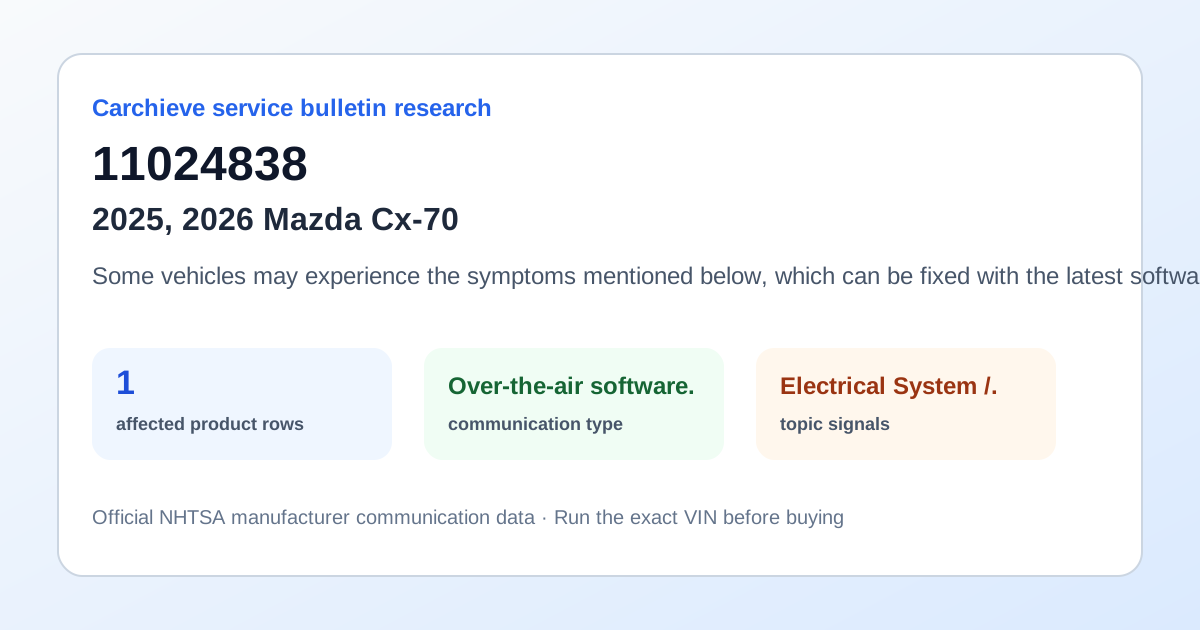
Some vehicles may experience the symptoms mentioned below, which can be fixed with the latest software update (Version 7230C1A-NA05_10026 or 7230C2A-NA05_10026). NOTE: If current version is not 7230C1A-NA05_***** or 7230C2A-NA05_*****, this TSB is not applicable. (Ver. 7230C1A-NA05_10026 or 7230C2A-NA05_10026) fixes these software errors (bugs): The list on the center display may appear distorted, giving a double image. The system may reboot when the ignition is turned on. The voice recognition function does not start. The unit used for height input is incorrect in the driver personalization system. CarPlay may fail to connect while driving on the highway. (Ver. 7230C1A-NA05_10022, 7230C2A-NA05_10022) fixes these software errors (bugs): The banner display for battery level notifications of Bluetooth-connected devices has been modified. Alexa may be signed out when the driver is uninstalled after Alexa has been set up, The Wi-Fi client connection screen may not disappear even after several seconds. The system may freeze on the disclaimer screen when the engine is started normally after using the remote engine starter. Only Bluetooth connection is established when attempting to connect Android Auto. The infotainment screen turns black when SiriusXM Radio is selected. The cancel operation may not function when manually connecting to a Wi-Fi client. Air conditioning settings cannot be controlled via Alexa without a CV contract.
What this bulletin may mean before buying
Treat this as service research, not a verdict on one car. Before you buy, compare this communication with official recall campaigns, model-level owner complaint patterns, and the exact vehicle’s VIN-decoded specifications. A bulletin can help you ask a seller or dealer sharper questions about software updates, known repairs, warranty extensions and service history.
Affected products listed in this communication
Buyer checklist
- Run the 17-character VIN and confirm the year, make, model, engine and equipment match the listing.
- Check recall campaign pages for safety actions that may require dealer repair.
- Compare this bulletin with common problem pages for the same model and component area.
- Ask the seller or dealer whether the bulletin procedure, update or inspection has already been completed.
- Use the used-car buying checklist and get an independent inspection.
Frequently asked questions
What is NHTSA service bulletin 11024838?
Some vehicles may experience the symptoms mentioned below, which can be fixed with the latest software update (Version 7230C1A-NA05_10026 or 7230C2A-NA05_10026). NOTE: If current version is not 7230C1A-NA05_***** or 7230C2A-NA05_*****, this TSB is not applicable. (Ver. 7230C1A-NA05_10026 or 7230C2A-NA05_10026) fixes these software errors (bugs): The list on the center display may appear distorted, giving a double.
Is a service bulletin the same as a recall?
No. A recall is a safety campaign with a required remedy for affected VINs. A service bulletin or manufacturer communication usually describes diagnostic, repair, software, warranty or service information.
How should a used-car buyer use this bulletin?
Use it as a research signal. Compare it with recalls, owner complaints, service records, a VIN report and an independent inspection before buying.
Check the exact VIN before you buy
Model-level pages show public safety patterns. A full VIN report helps confirm the exact vehicle, decoded specs, recall applicability and buyer checks.
Get Full Report