NHTSA Service Bulletin 11032017: 2026 Mazda Cx-5
Official manufacturer communication context for 2026 Mazda Cx-5, with affected products, buyer checks and links into Carchieve recall, problem and VIN research.
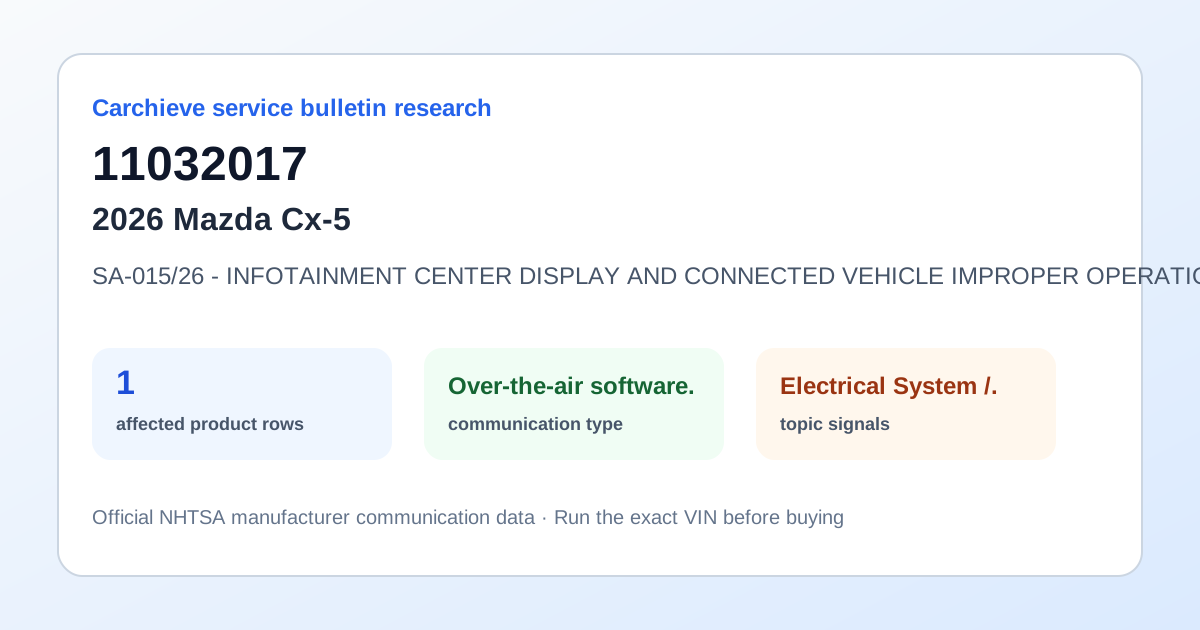
Reviewed June 2026 from NHTSA manufacturer communication and service bulletin records. Carchieve is independent and not affiliated with any vehicle manufacturer or government agency.
SA-015/26 - INFOTAINMENT CENTER DISPLAY AND CONNECTED VEHICLE IMPROPER OPERATION This Service Alert supersedes the previously issued SA(s) listed below. The changes are noted in Red. SA-015/26 04/09/26 and 03/25/26 and 03/13/26 Index Intermittent Globe with a slash icon Beep sound near the SOS button and SOS button amber or red LED Instrument Cluster Master Warning Light illuminated The center display screen is blank No data plan message DTC U2701:89 Center Display Home Screen Partial Boot Up No Connected Vehicle One Time Passcode (OTP) During a Bluetooth phone call, tapping the navigation icon does not launch Google Maps During an Apple CarPlay phone call, the Climate Control fullscreen menu cannot be accessed While the Climate Control screen is displayed in full screen, tapping the Apple CarPlay icon does not launch Apple CarPlay REPAIR PROCEDURE simplified and updated recovery instructions Recovery - Turn off the vehicle and allow it to fully power down to sleep mode Turn off, exit, and lock the vehicle, let it sit for 5+ mins If the Recovery procedure above does not resolve the issue, perform the following: Disconnect the 12V battery negative cable. Wait 10+ minutes. Reconnect the 12V battery and retest. Inform the customer that Mazda is aware of the condition and is working on a resolution. Vehicle driving operation is not affected during these conditions. No repairs or component replacements should be attempted at this time. The vehicle may be released to the customer.
What this bulletin may mean before buying
Treat this as service research, not a verdict on one car. Before you buy, compare this communication with official recall campaigns, model-level owner complaint patterns, and the exact vehicle’s VIN-decoded specifications. A bulletin can help you ask a seller or dealer sharper questions about software updates, known repairs, warranty extensions and service history.
Affected products listed in this communication
Buyer checklist
- Run the 17-character VIN and confirm the year, make, model, engine and equipment match the listing.
- Check recall campaign pages for safety actions that may require dealer repair.
- Compare this bulletin with common problem pages for the same model and component area.
- Ask the seller or dealer whether the bulletin procedure, update or inspection has already been completed.
- Use the used-car buying checklist and get an independent inspection.
Frequently asked questions
What is NHTSA service bulletin 11032017?
SA-015/26 - INFOTAINMENT CENTER DISPLAY AND CONNECTED VEHICLE IMPROPER OPERATION This Service Alert supersedes the previously issued SA(s) listed below. The changes are noted in Red. SA-015/26 04/09/26 and 03/25/26 and 03/13/26 Index Intermittent Globe with a slash icon Beep sound near the SOS button and SOS button amber or red LED Instrument Cluster Master Warning Light illuminated The center display screen is.
Is a service bulletin the same as a recall?
No. A recall is a safety campaign with a required remedy for affected VINs. A service bulletin or manufacturer communication usually describes diagnostic, repair, software, warranty or service information.
How should a used-car buyer use this bulletin?
Use it as a research signal. Compare it with recalls, owner complaints, service records, a VIN report and an independent inspection before buying.
Check the exact VIN before you buy
Model-level pages show public safety patterns. A full VIN report helps confirm the exact vehicle, decoded specs, recall applicability and buyer checks.
Get Full Report