NHTSA Service Bulletin 11032891: 2026 Mercedes-benz Cla 250+ (EV)
Official manufacturer communication context for 2026 Mercedes-benz Cla 250+ (EV), with affected products, buyer checks and links into Carchieve recall, problem and VIN research.
Reviewed June 2026 from NHTSA manufacturer communication and service bulletin records. Carchieve is independent and not affiliated with any vehicle manufacturer or government agency.
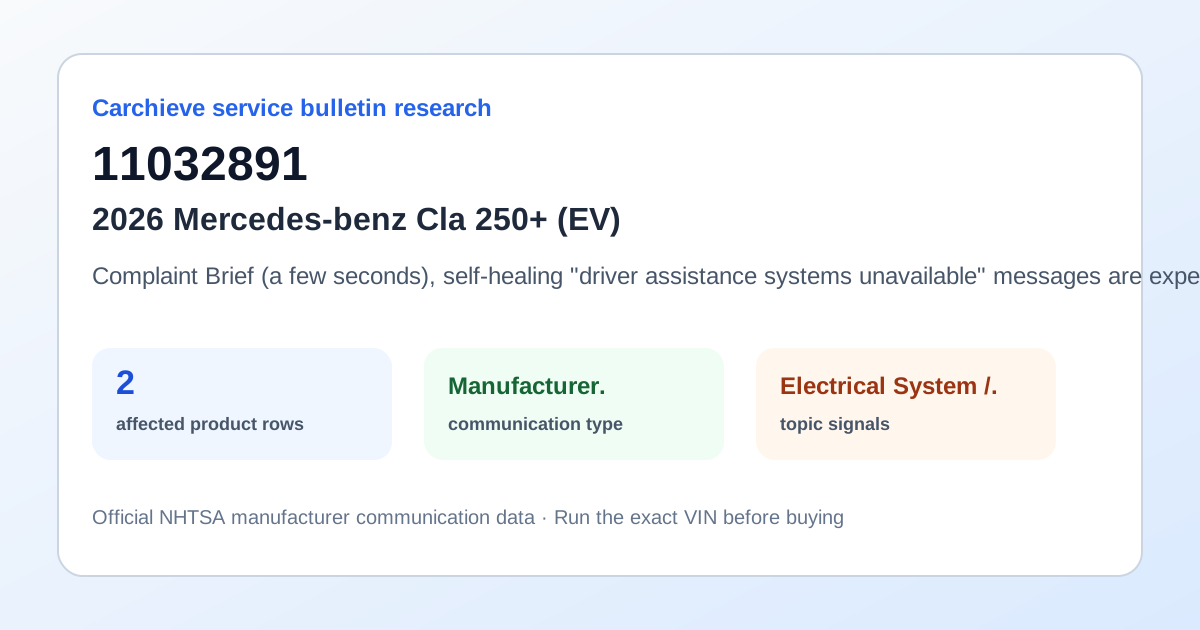
Complaint Brief (a few seconds), self-healing "driver assistance systems unavailable" messages are expected and normal due to system limitations and environmental effects. This can occur during startup of the vehicle but also during driving. No case is necessary for these. Please refer to the Owner's Manual for driver assistance system limitations and environmental effects. For "driver assistance systems unavailable" that are persistent or show on every key cycle AND Vehicle was produced prior to February 27, 2026. Cause Cause 1: In rare cases, one or more of the fault codes U05B555, U05B655, U05B755 or U05B855 (implausible data was received from the front/rear outer right/left radar sensor. The component part is not configured.) is "Active" in the N62/5 control unit. This cause mainly occurs in vehicles produced prior to September 5, 2025. Cause 2: The initial calibration of the acceleration sensor (IMU) in the N62/5 control unit was not performed/completed. There is no relevant fault code active in the N62/5 control unit. This cause mainly occurs in vehicles produced prior to February 27, 2026. Remedy Remedy 1: Navigate to N62/5 control unit via XENTRY and carry out: "Adaptations > Teach-in processes > Calibration of the N62/5 control unit (driver assistance system control unit)." If it is not possible to perform this process or the system is recognizing that all sensors are already calibrated and nothing further needs to be completed, we alternatively recommend carrying out "Calibration drive after exchange of the component part front bumper or rear bumper" under Teach-in processes. Once the calibration is started, the calibration screen will appear on the head unit. Xentry will instruct the user to disconnect the device from the vehicle and perform the driving calibration. XENTRY MUST be disconnected and cannot be left connected. Remedy 2: Navigate to N62/5 control unit via XENTRY and carry out: "Adaptations > Teach-in processes > Calibration of the N62/5 control unit (driver assistance system control unit)." If there are no identified calibrations, perform calibration drive for the N62/5 control unit. No XENTRY diagnostic device is required for this, as the calibration does not need to be initiated via XENTRY! Perform a calibration drive of at least 5 minutes and at least 20 turns (left/right evenly distributed) without interrupting the drive (stop and go is permissible, but no ignition cycling). The driving speed should be approximately 20 km/h, and the steering wheel angle about 180 degrees (ideal are 90 turns that must be driven through at more than 10 km/h). No message is displayed to indicate that the calibration has been successfully completed. After the calibration drive, the vehicle must be parked and locked for at least seven minutes to allow the vehicle bus to enter sleep mode. Once the bus sleep mode has completed, the fault messages should no longer be displayed in the driver display. Driver support systems may still not be fully available at this time. This is indicated by the ADAS system icons (see picture ADAS icons). These are available after a further driving time of approx. 10 minutes. Connect the vehicle to Mercedes me Connect. MB.Drive, Navigation, and On-Demand features REQUIRE that the vehicle is linked to a profile. Please also note the additional information regarding the connection between Mandatory Pairing (Head Unit Profile) and Pre-Delivery Inspection (PDI).
What this bulletin may mean before buying
Treat this as service research, not a verdict on one car. Before you buy, compare this communication with official recall campaigns, model-level owner complaint patterns, and the exact vehicle’s VIN-decoded specifications. A bulletin can help you ask a seller or dealer sharper questions about software updates, known repairs, warranty extensions and service history.
Affected products listed in this communication
Buyer checklist
- Run the 17-character VIN and confirm the year, make, model, engine and equipment match the listing.
- Check recall campaign pages for safety actions that may require dealer repair.
- Compare this bulletin with common problem pages for the same model and component area.
- Ask the seller or dealer whether the bulletin procedure, update or inspection has already been completed.
- Use the used-car buying checklist and get an independent inspection.
Frequently asked questions
What is NHTSA service bulletin 11032891?
Complaint Brief (a few seconds), self-healing "driver assistance systems unavailable" messages are expected and normal due to system limitations and environmental effects. This can occur during startup of the vehicle but also during driving. No case is necessary for these. Please refer to the Owner's Manual for driver assistance system limitations and environmental effects. For "driver assistance systems.
Is a service bulletin the same as a recall?
No. A recall is a safety campaign with a required remedy for affected VINs. A service bulletin or manufacturer communication usually describes diagnostic, repair, software, warranty or service information.
How should a used-car buyer use this bulletin?
Use it as a research signal. Compare it with recalls, owner complaints, service records, a VIN report and an independent inspection before buying.
Check the exact VIN before you buy
Model-level pages show public safety patterns. A full VIN report helps confirm the exact vehicle, decoded specs, recall applicability and buyer checks.
Get Full Report